
Corporate WebMail — Password Recovery Procedure (ictMail)
Important
In order to use the password recovery procedure you must first set a recovery email address for each mailbox. The recovery email is managed from your ictClient area — it cannot be set from inside webmail.
Step 1 — Set your recovery email (one-time per mailbox)
- Log in to your ictTech client area and open your ictMail service.
- In the Email Accounts section, click Manage next to the mailbox.
- Click Recovery Email.
- Enter an external email address you can still access (e.g. a Gmail address) and Save.
Repeat for each mailbox. The reset link is sent to this address, so it should be an account you can access even when locked out of webmail.
Step 2 — Request a password reset
- Go to
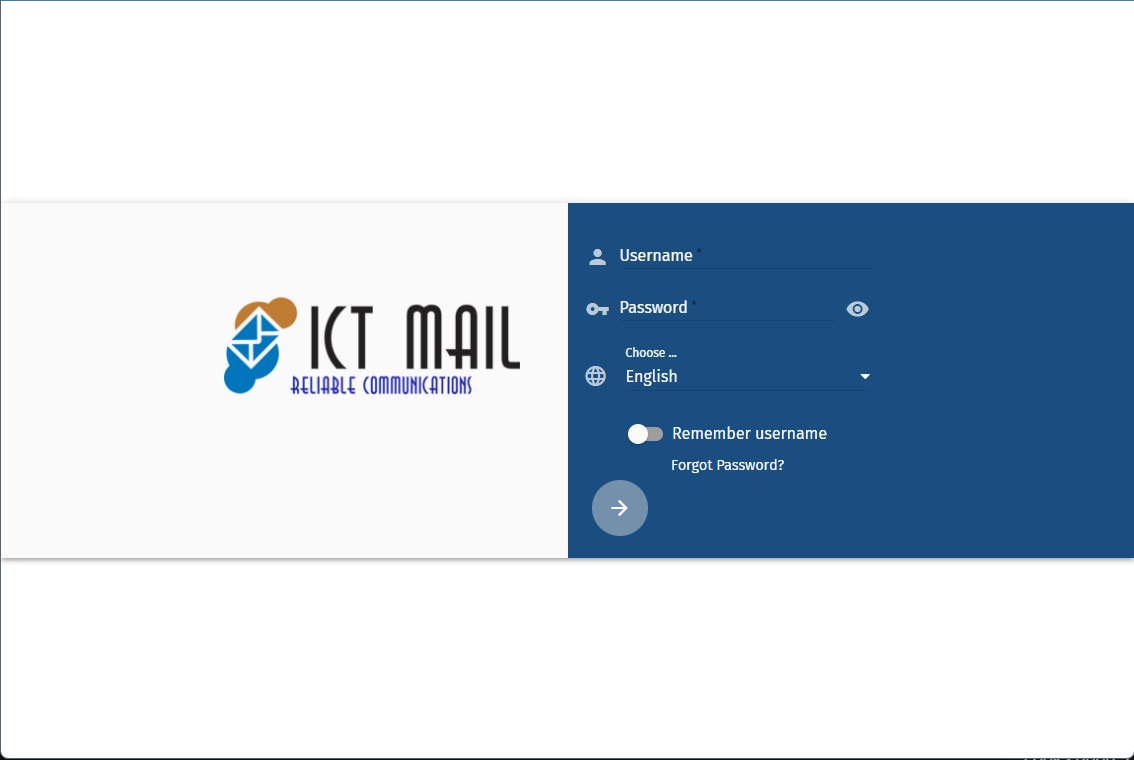
webmail.yourdomain.com— replaceyourdomain.comwith your actual domain (this is your webmail address). - Click Forgot Password? on the login screen.
- Enter your existing mailbox address (e.g.
info@yourdomain.com) — not the recovery address. - Click Send Reset Link.
You will see a confirmation that a reset link has been sent if a recovery email is configured for that account. If you do not receive an email, confirm a recovery address was set in Step 1 and check spam/junk folders.
Step 3 — Reset your password
- Open the reset email (sent from
noreply@ictmail.ca, subject "ictMail Password Reset Request"). - Click Reset My Password or paste the link into your browser.
- Enter and confirm your new password.
Password requirements: at least 8 characters, using letters, numbers and the symbols # _ . - + = ,. The password cannot start with #.
The link expires after 1 hour and can only be used once — request a new one if it expires.
Step 4 — Update your devices
Sign in to webmail with the new password, then update the password on every device and application using this mailbox (Outlook, Thunderbird, iPhone/Android mail apps, Exchange/ActiveSync accounts). The old password stops working everywhere immediately.
If you did not request a reset, ignore the email — your password will not be changed.
