
ictMail is the ictTech desktop email client. It is available for Windows, macOS, Linux, and FreeBSD. Current release: v0.13.0 (November 14, 2026).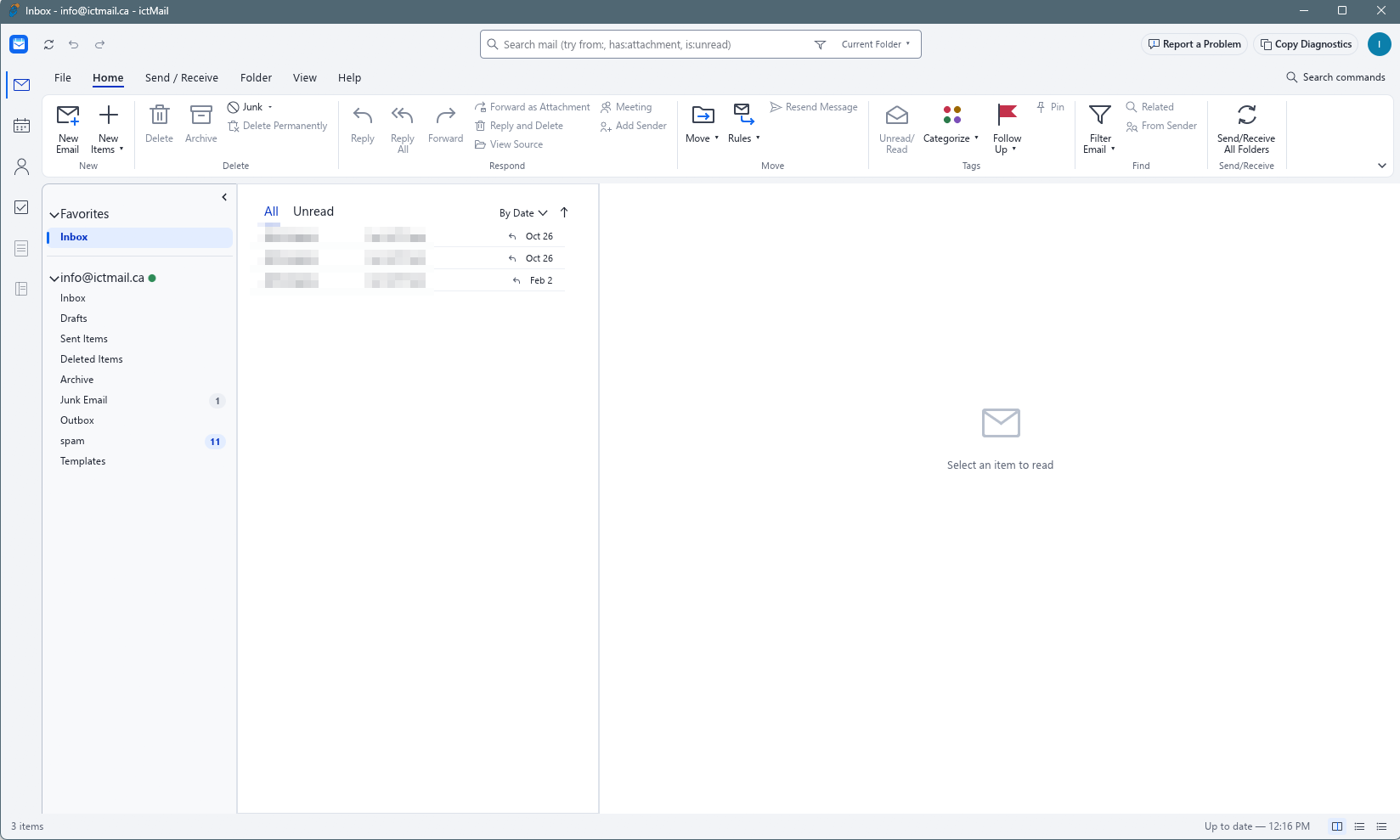
All downloads are hosted on the public GitHub release page:
github.com/ictMail-Canada/ictmail/releases/tag/v0.13.0
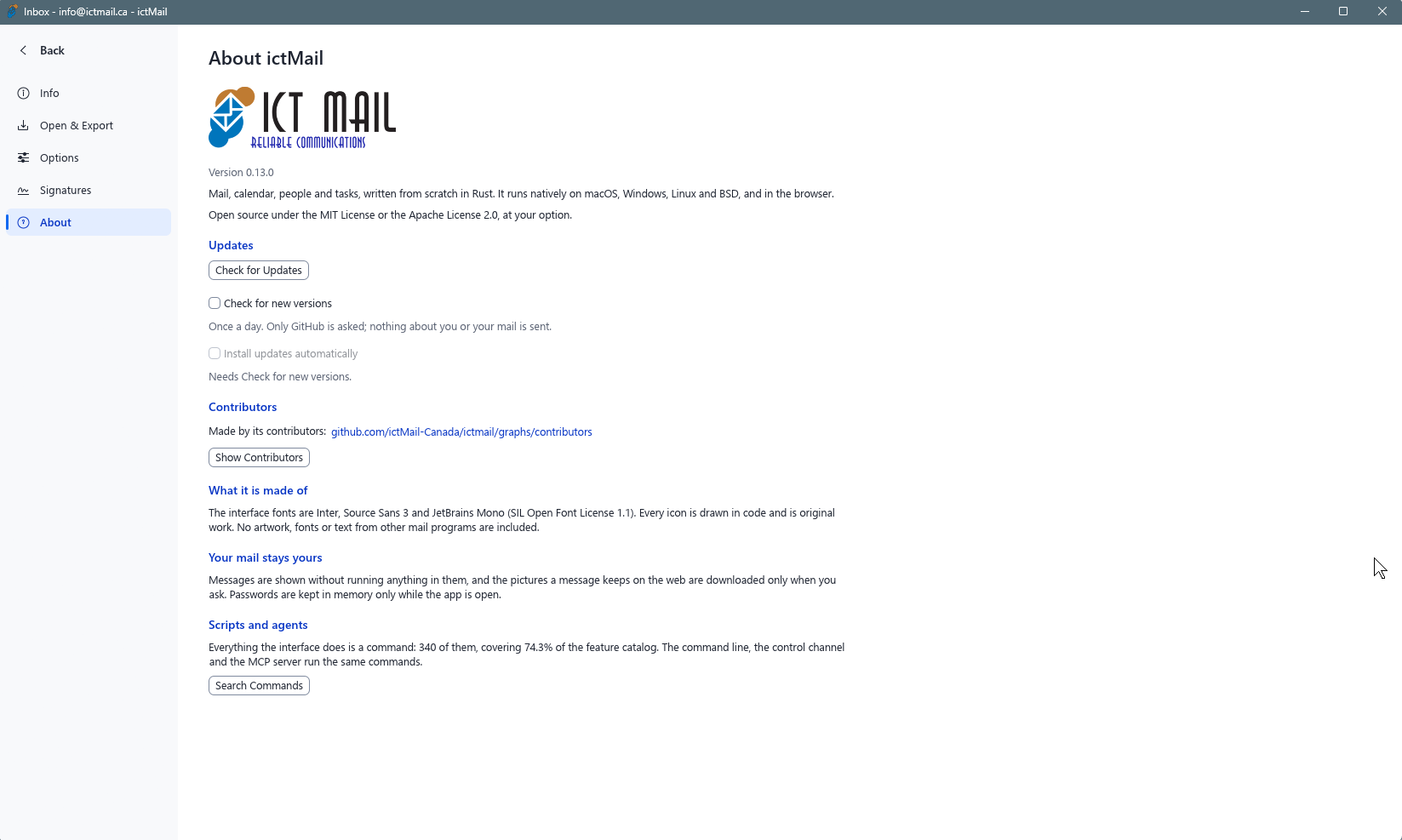
Windows
| Download | File | Size |
|---|---|---|
| Installer (recommended) | ictmail-0.13.0-windows-x64.msi | 25 MB |
| Portable (no install) | ictmail-0.13.0-windows-x64-portable.zip | 32.1 MB |
| Installer 32-bit | ictmail-0.13.0-windows-x86.msi | 24 MB |
| Portable 32-bit | ictmail-0.13.0-windows-x86-portable.zip | 29.9 MB |
| Installer ARM64 | ictmail-0.13.0-windows-arm64.msi | 22.8 MB |
| Portable ARM64 | ictmail-0.13.0-windows-arm64-portable.zip | 30.1 MB |
macOS
| Download | File | Size |
|---|---|---|
| Installer (Universal, Apple Silicon + Intel) | ictmail-0.13.0-macos-universal.dmg | 43.8 MB |
| Command line tool | ictmail-cli-0.13.0-macos-universal.zip | 18.4 MB |
Linux
64-bit (x86_64):
| Format | File | Size |
|---|---|---|
| Debian/Ubuntu package | ictmail-0.13.0-linux-x86_64.deb | 33.8 MB |
| RPM package | ictmail-0.13.0-linux-x86_64.rpm | 33.6 MB |
| AppImage (portable) | ictmail-0.13.0-linux-x86_64.AppImage | 31 MB |
| Archive | ictmail-0.13.0-linux-x86_64.tar.gz | 33.1 MB |
| Flatpak | ictmail-0.13.0-linux-x86_64.flatpak | 21.8 MB |
ARM64 (aarch64):
| Format | File | Size |
|---|---|---|
| Debian/Ubuntu package | ictmail-0.13.0-linux-aarch64.deb | 32.5 MB |
| RPM package | ictmail-0.13.0-linux-aarch64.rpm | 32.1 MB |
| AppImage (portable) | ictmail-0.13.0-linux-aarch64.AppImage | 29.2 MB |
| Archive | ictmail-0.13.0-linux-aarch64.tar.gz | 31.1 MB |
| Flatpak | ictmail-0.13.0-linux-aarch64.flatpak | 19.5 MB |
FreeBSD
| Download | File | Size |
|---|---|---|
| Archive (x86_64) | ictmail-0.13.0-freebsd-x86_64.tar.gz | 33 MB |
Verifying Downloads
Every release includes checksums and signatures:
- SHA256SUMS.txt - checksum list for all files
- SHA256SUMS.txt.sig - detached signature for the checksum list
- ictmail-0.13.0.intoto.jsonl - build provenance (SLSA/in-toto attestation)
To verify a download on Linux or macOS:
sha256sum -c SHA256SUMS.txt --ignore-missingNotes
- Windows: the .msi installer creates a Start Menu shortcut and desktop icon, and removes them cleanly on uninstall. The portable zip needs no installation.
- Windows SmartScreen: the installer and app are not yet publisher-signed, so Windows may show a "Windows protected your PC" prompt. Click More info, then Run anyway. You may see it again on the app's first launch. Verify your download with the checksums above, or review the source code on GitHub.
- macOS: the DMG is a universal build for both Apple Silicon and Intel Macs. You may need to right-click the app and choose Open on first launch.
- Linux AppImage: make it executable with
chmod +xbefore running. .zsync files are published for delta updates and are not needed for manual installs. - ictMail connects to your mailbox using standard IMAP/SMTP credentials provided by your mail hosting service.
For help configuring ictMail with your mailbox, see the knowledgebase or open a support
